
Autosave
Automatically save changes while editing stories.
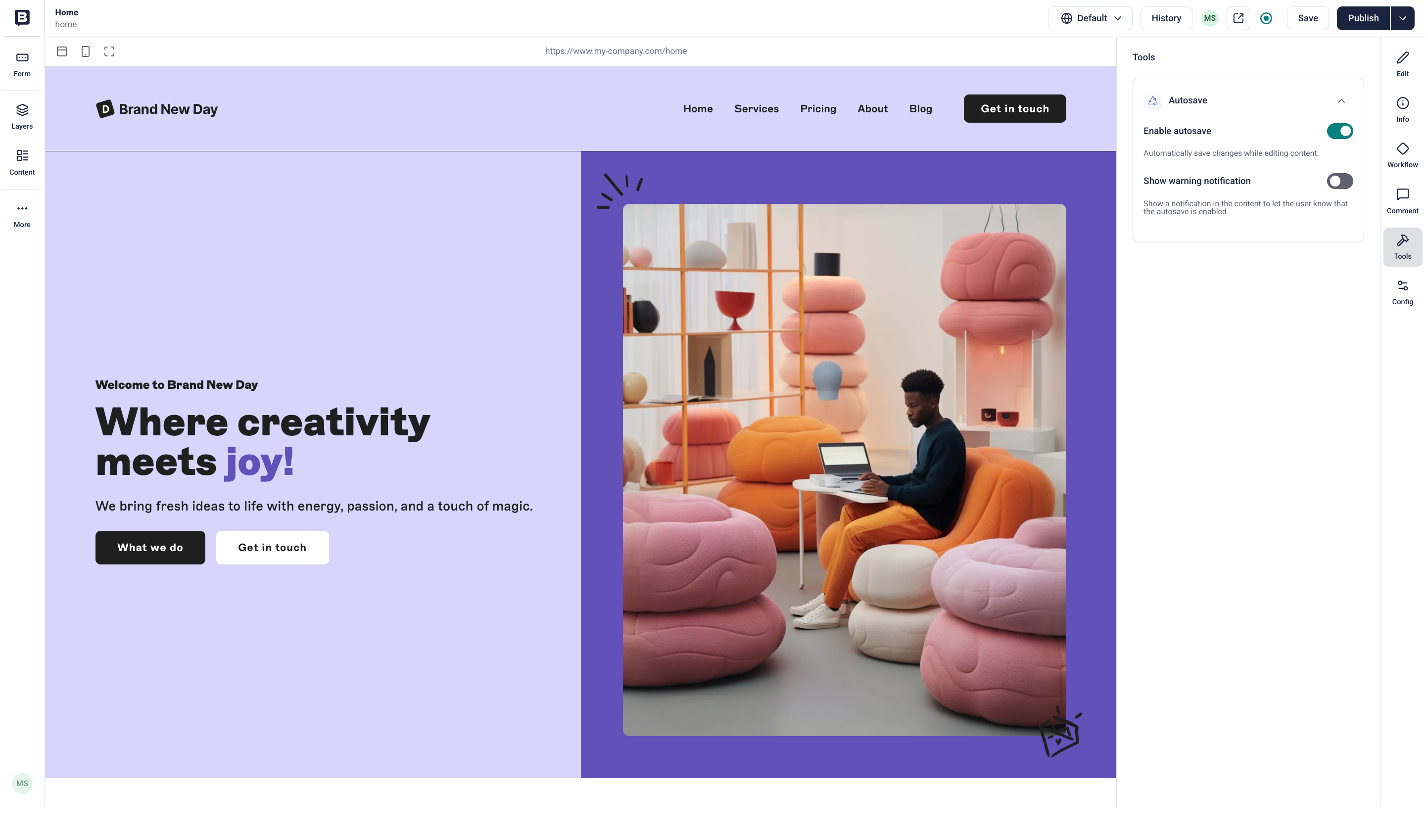
The Autosave app lets you enable automatic saving for individual stories.
Find the documentation for the Autosave app in the Storyblok docs.
This is a preview of the Storyblok Website with Draft Content
JoyConf 2026 is back. Content Confidence. Human Connection. Save your spot!
The Autosave app lets you enable automatic saving for individual stories.
Find the documentation for the Autosave app in the Storyblok docs.