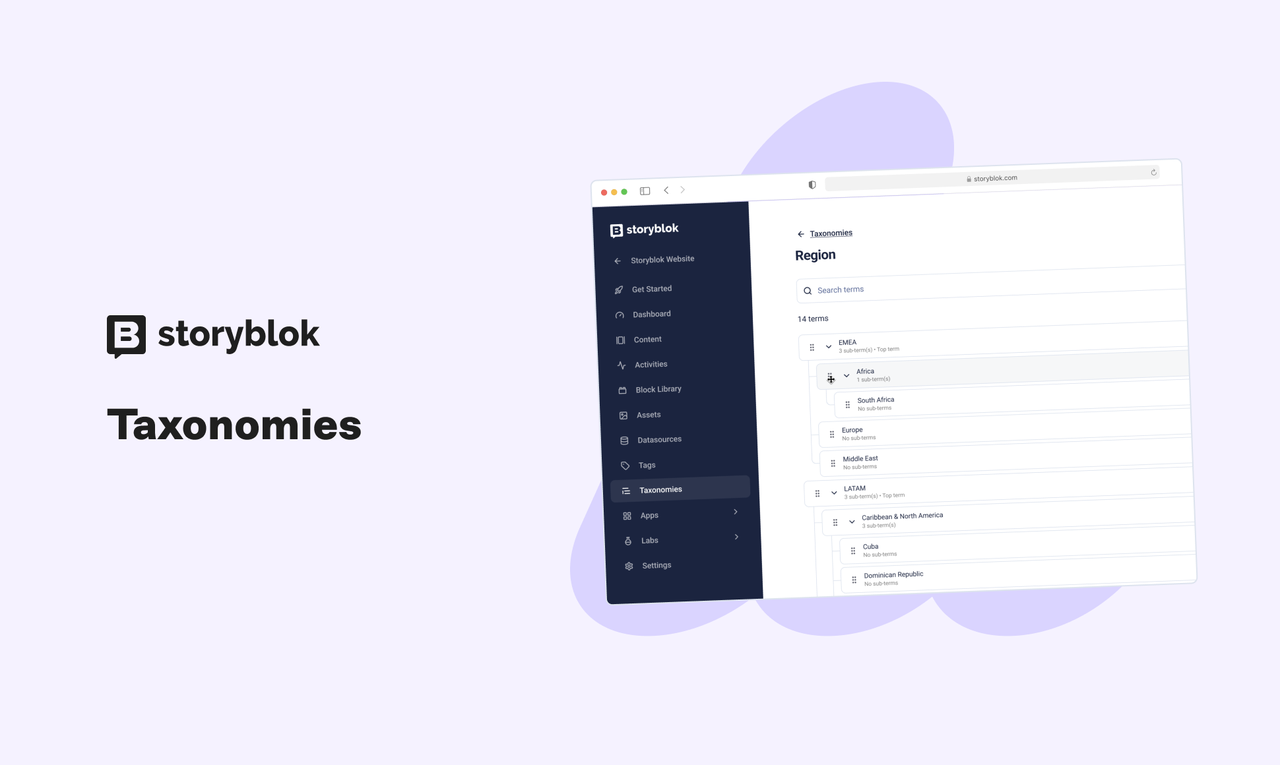
Here is our three-step process to implementing Taxonomies:
- Define Taxonomies and their terms.
There is a new area, the Taxonomy Manager, in the left sidebar where users with eligible permission can define and manage their various Taxonomies. - Define taxonomies and term assignments per-block.
Content type and Universal blocks accept custom rules for which Taxonomies or terms can be assigned to them. For example, you can allow one or more whole Taxonomies to apply to a block, or you can define specific sub-trees within one Taxonomy. - Assign terms to content.
Once the assignment rules have been defined, a content editor can assign terms to stories. Anyone who can edit content can assign terms.
Once your content has some terms assigned, you can use the MAPI or CDN to query by the taxonomy terms. For example, if you have a taxonomy called “Region” and a term “Austria,” you can get all stories assigned this term from the CDN, regardless of content type. Other CDN filters can also be applied to receive a more specific set of content.
Taxonomies can power numerous everyday features of a website: site navigation, faceted search, e-commerce categories, related content, and feeds of content.
There is no change to how Tags work within a Space.