How to remove and restore fields in schema
In Storyblok, you can remove and restore the fields for a block in your schema.
- To remove a schema, first navigate to your Block Library and click on a block {1}, and click on Fields {2} and delete the title {3} field

1
2
3
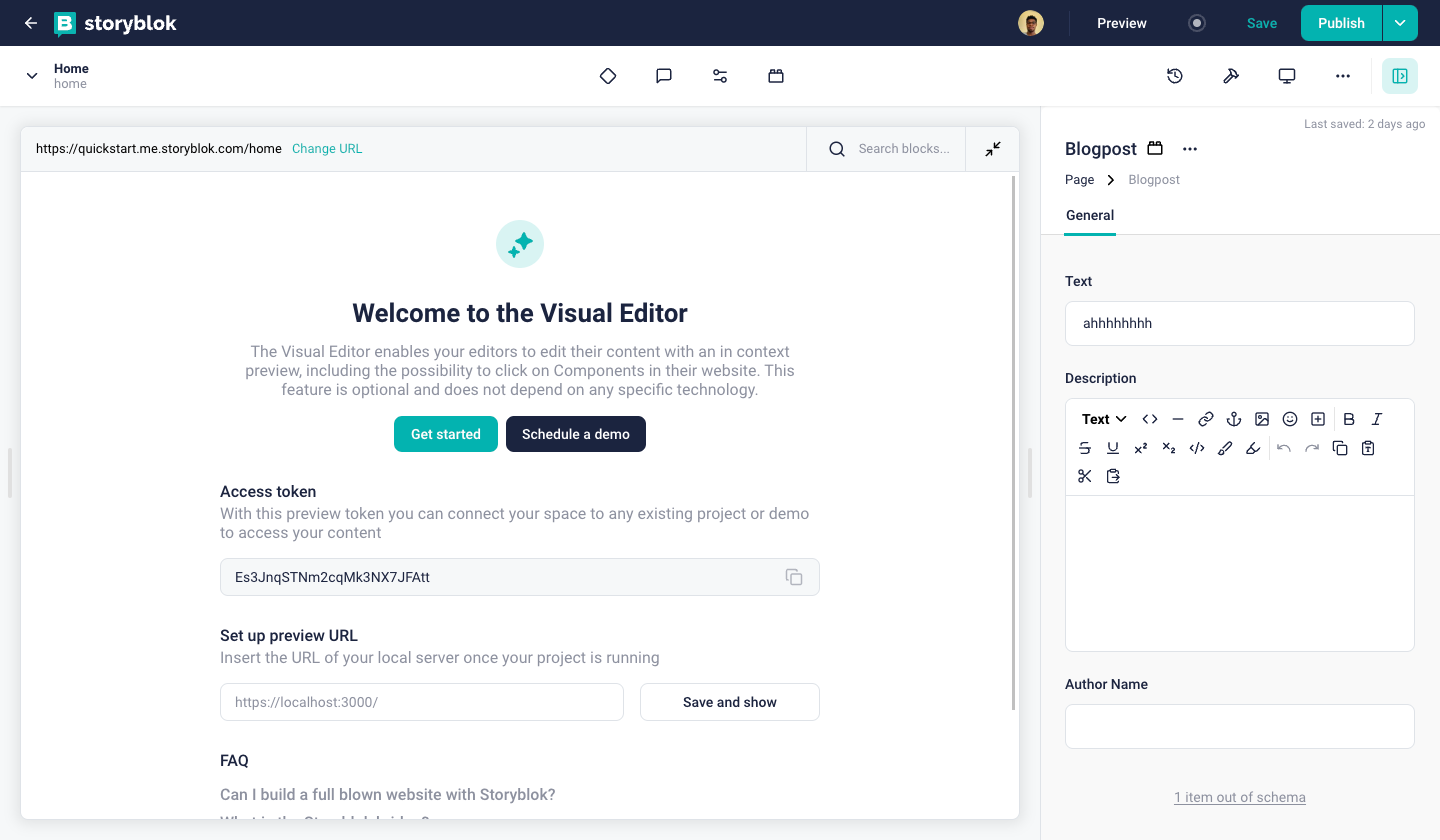
- To view the deleted schema, navigate to the block on the visual editor and click on "1 item out of schema" {1}
 1
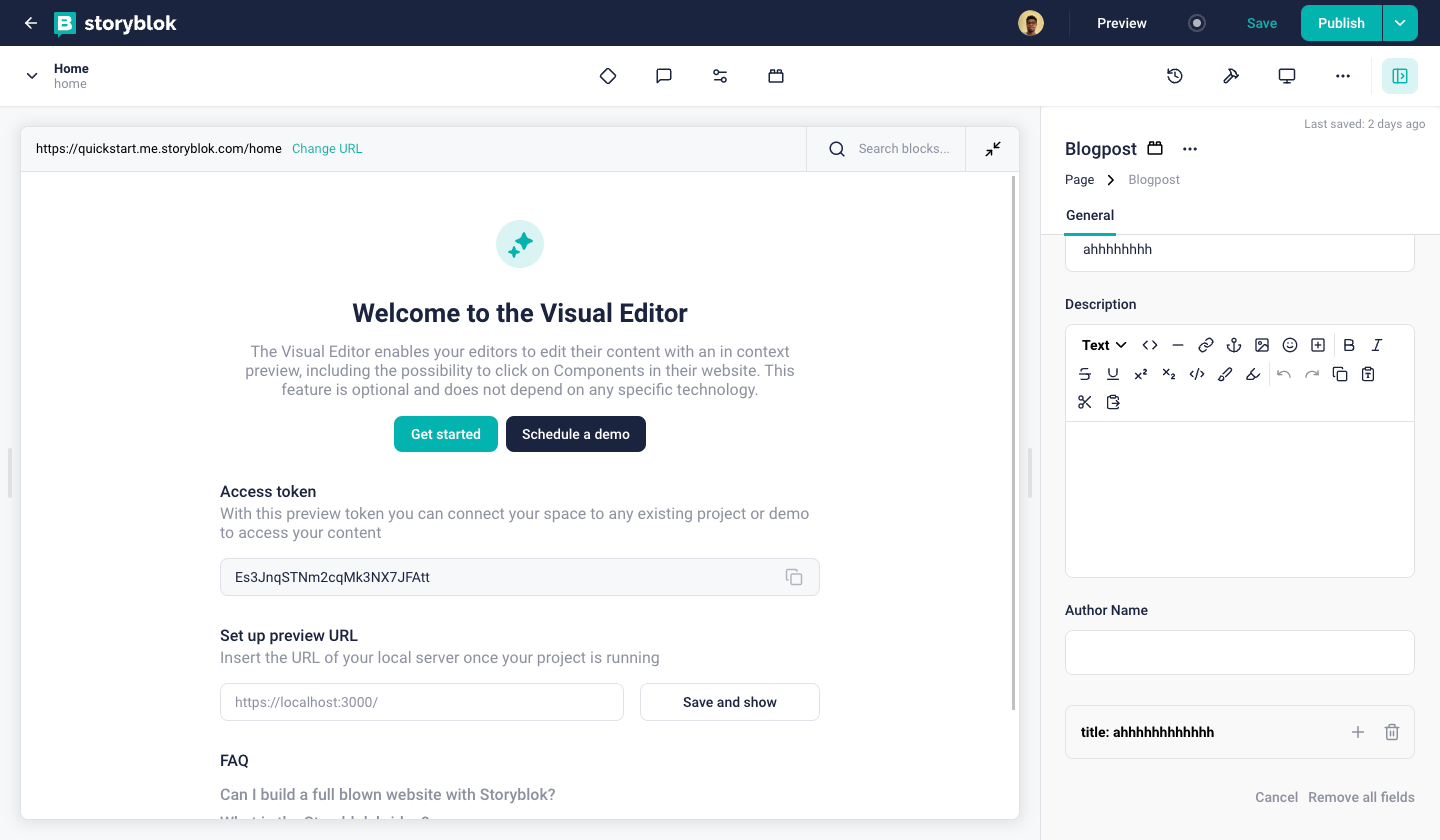
1 - To restore a field in schema, click on the the + {1} icon on the schema. And click on the trash icon {2} to remove the deleted field entirely from the schema.
 12
12