Where can I update my billing information?
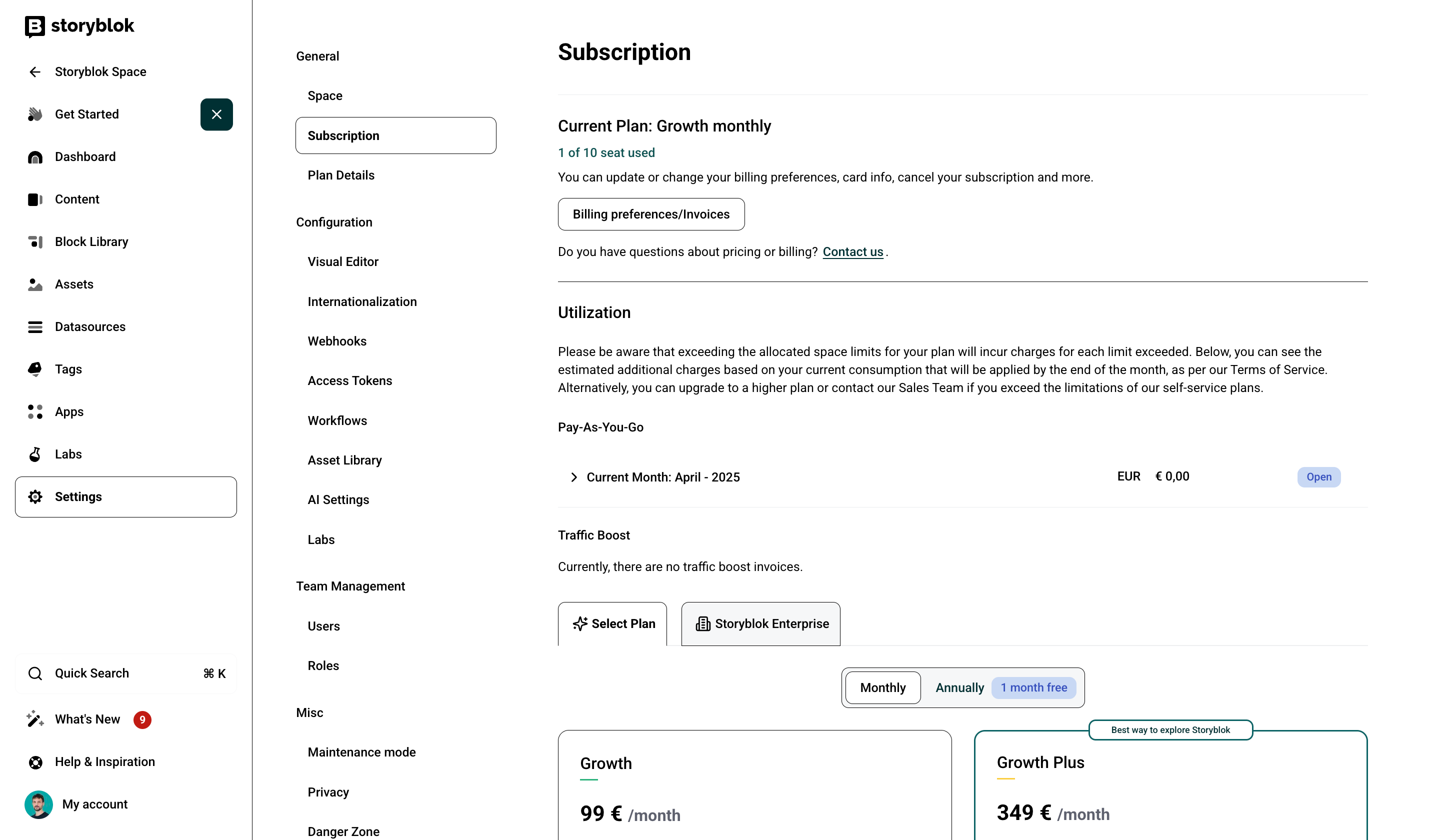
To update your billing information, navigate to Settings {1} > Subscription {2} and click on Billing preferences/Invoices {3}.
1
2
3
This will take you to Stripe's billing page, where you can update your billing information.
Please note that billing information can only be updated once your subscription has become active after the 14-day trial period.