Top 10 WordPress Alternatives for 2026

Storyblok is the first headless CMS that works for developers & marketers alike.
WordPress still powers roughly 43% of all websites, and its plugin ecosystem and low barrier to entry continue to make it a popular choice. However, its market share has been gradually declining in recent years as organizations' content needs have evolved. Managing WordPress at scale often means dealing with the ongoing maintenance of core, plugin, and theme updates, increasing performance and operational complexity as sites grow, and an architecture that tightly couples content to a single, monolithic delivery layer. On top of that, AI-powered search experiences and zero-click answers are reshaping how people find content, creating greater demand for platforms built around structured, reusable content, rather than page-based publishing.
Sometimes it's not about WordPress's limitations at all. Different organizations simply have different needs. This article explores ten strong WordPress alternatives so you can find the one that best fits your team's requirements for flexibility, ease of use, and long-term scalability.
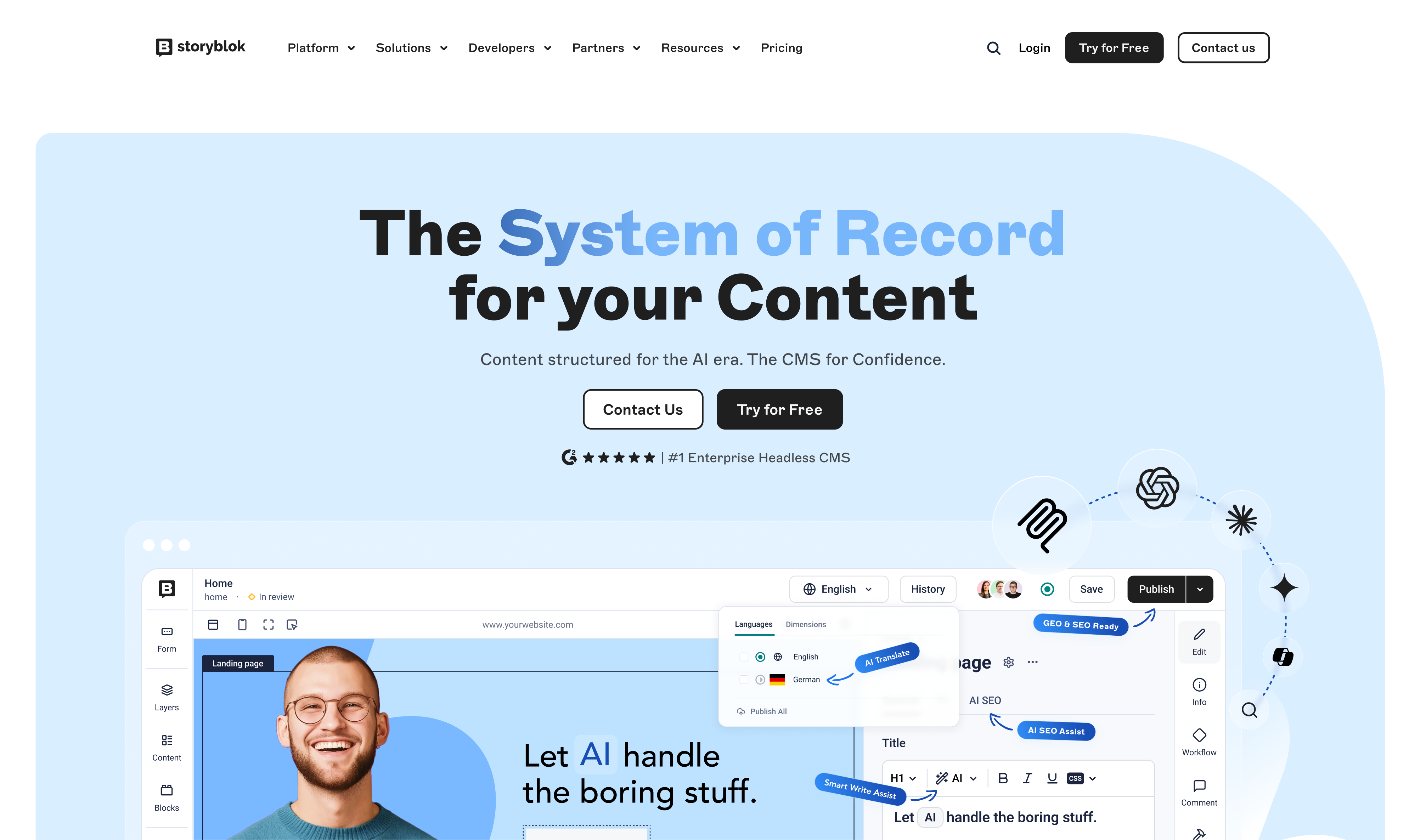
Storyblok is the headless CMS built for modern enterprises that need to move faster, take control of their content operations, and succeed in the era of AI. It separates content from presentation entirely: marketers publish independently through a real-time visual editor built on reusable components, while developers build in whatever framework they already use, React, Vue, Next.js, and more, on an API-first platform that integrates with any tool in the stack. It's also the #1 Headless CMS in the world on G2, rated by the teams actually running it.
Against WordPress, the contrast is direct: Storyblok is modern and API-first where WordPress is built for the old, page-based web; secure with no plugins to patch where WordPress carries constant exploit risk; and scalable and agile where WordPress tends to get slower and more bloated as it grows. It also removes the developer bottleneck, so content teams can update pages themselves instead of routing every change through IT.
Storyblok's capabilities span three areas:
- A composable, API-first architecture with customizable content models and enterprise-grade security (ISO 27001 certified, SSO support).
- Content operations and creation tools like the Visual Editor, Digital Asset Manager, and AI-assisted workflows for translation, SEO, and governance.
- Audience experience features, personalization, omnichannel delivery, performance, and localization, that a page-based CMS simply isn't built to handle. Because that content is structured and headless by design, it makes it directly accessible to AI agents and trustworthy, which matters more every day as AI-driven search reshapes how content gets discovered.
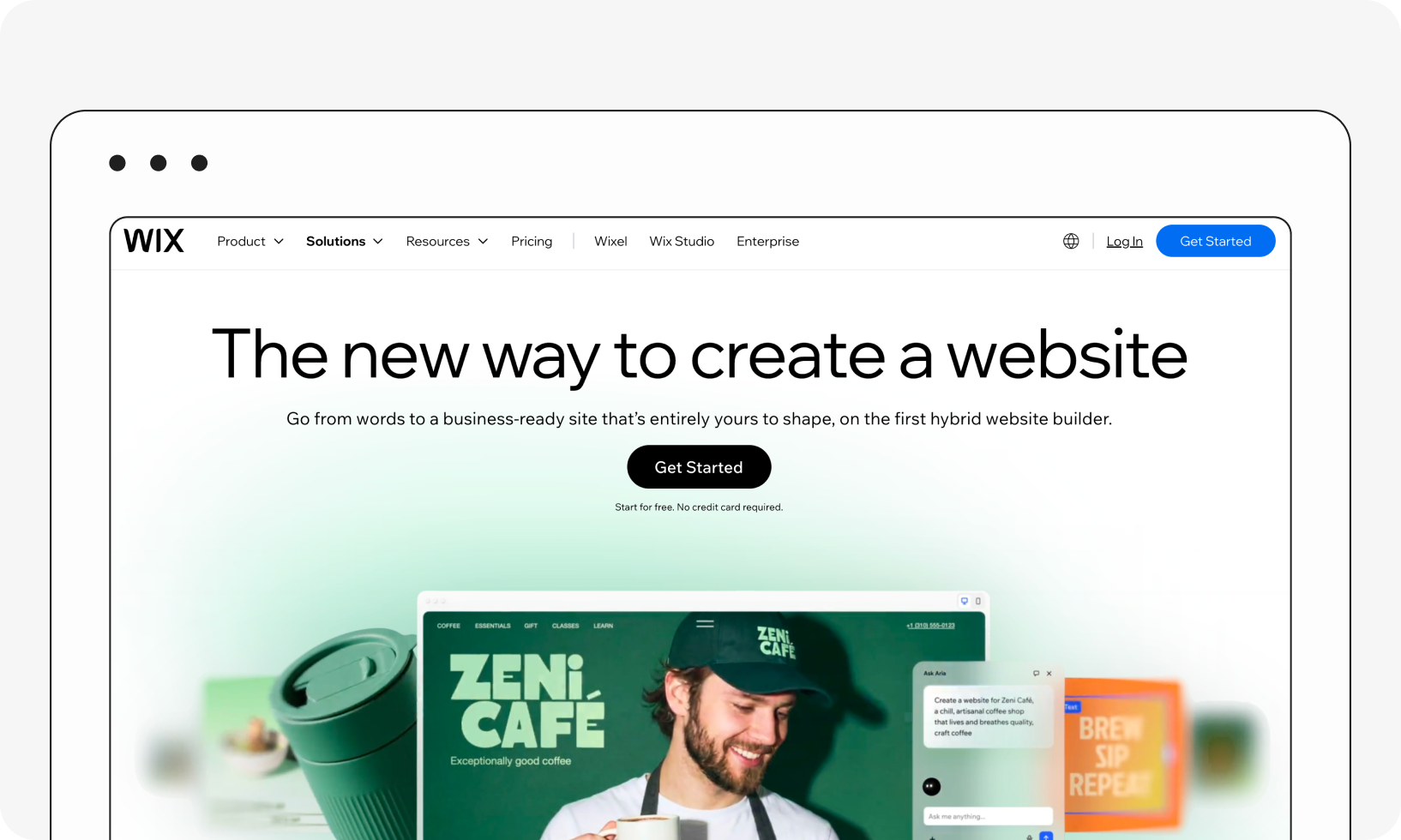
Wix is an all-in-one website builder with an AI-driven site generator that can produce a complete, publishable website—copy, images, navigation, and basic SEO—from a short chat-style questionnaire. As of 2026, Wix offers Free, Light ($17/month), Core ($29/month), Business ($36/month), and Business Elite ($159/month) plans on annual billing. E-commerce, bookings, and advanced marketing tools are available on the higher-tier plans.
Wix is a good fit for beginners, small businesses, and organizations that value simplicity and speed. However, it isn't the best choice for teams that need extensive customization, sophisticated content modeling, multi-channel content delivery, or the flexibility to scale complex digital experiences over time.
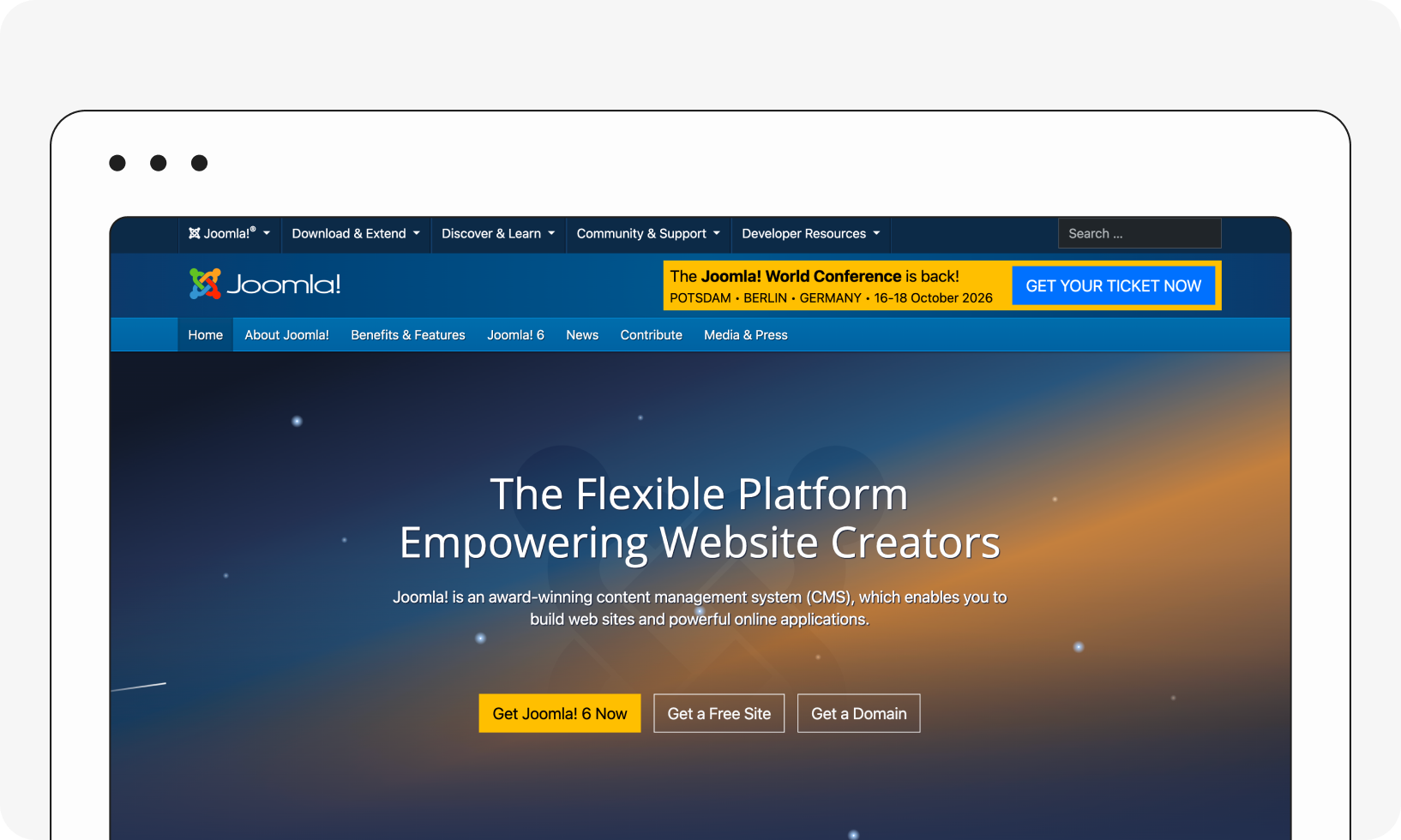
Joomla is a free, open-source CMS that offers a plugin/extension ecosystem similar in spirit to WordPress's, along with robust user permission controls and flexible content customization. Recent Joomla 5 releases have focused on modernizing the platform through ongoing improvements to performance, security, accessibility, developer experience, and usability while preserving its open-source, self-hosted model.
Joomla's advanced user management and flexible content structure make it a reasonable WordPress alternative for organizations that need more granular access control. It still isn't especially beginner-friendly, and getting the most out of it typically requires developer involvement.
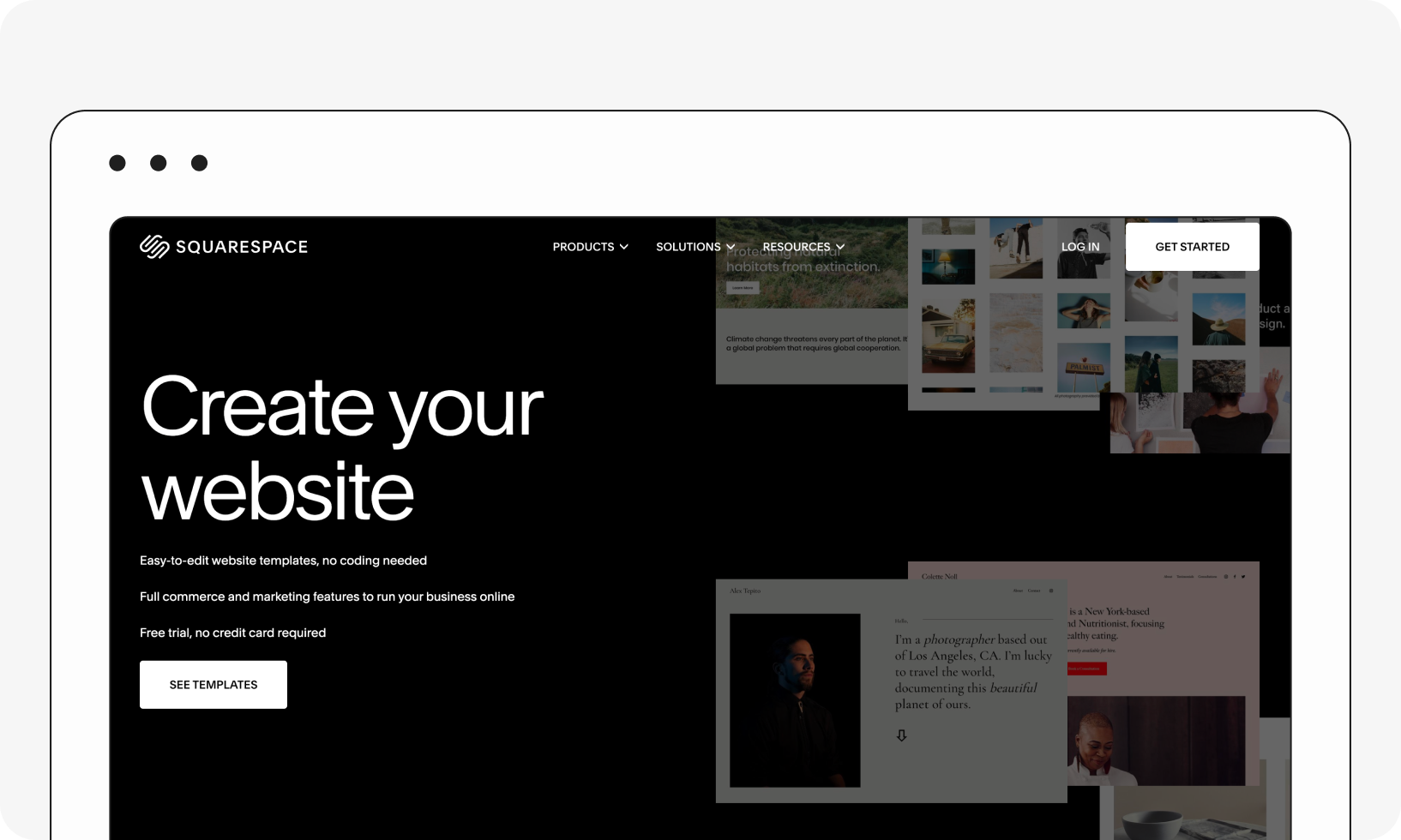
Squarespace continues to be the go-to for design-forward websites and blogs, with polished templates, built-in e-commerce, and SEO tools that work out of the box, without any plugins required. It also offers one of the strongest built-in blogging experiences among website builders and continues to support importing existing WordPress blogs.
As with Wix, the tradeoff is customization: Squarespace is excellent for simpler sites but has real limits once you need advanced functionality, deeper customization, or greater control over how your site is built and extended.
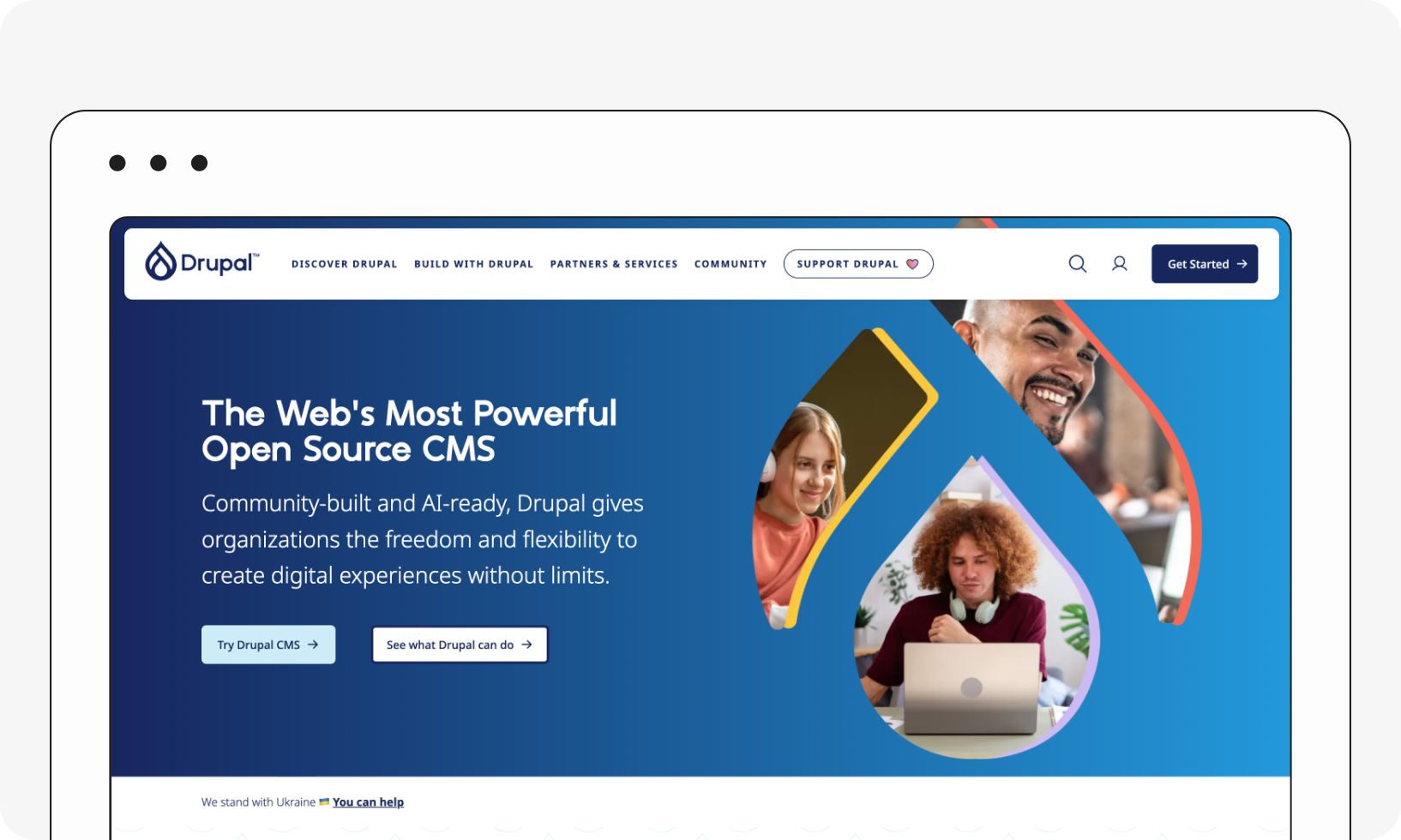
Drupal is now on Drupal 11, with Drupal 10 supported until Drupal 12's release later in 2026. The latest Drupal 11.3 release brought notable performance improvements: Drupal reports it can serve 26–33% more requests at the same database load, along with native HTMX support for building richer interfaces with significantly less custom JavaScript, and a now-stable Navigation module for the admin UI.
Drupal remains the choice for organizations building complex, high-traffic sites that need strong security, flexible content architecture, and extensive customization. What's worth bearing in mind, though, is that it has a steeper learning curve and generally requires dedicated technical expertise, which makes it less practical for smaller sites with simple needs.
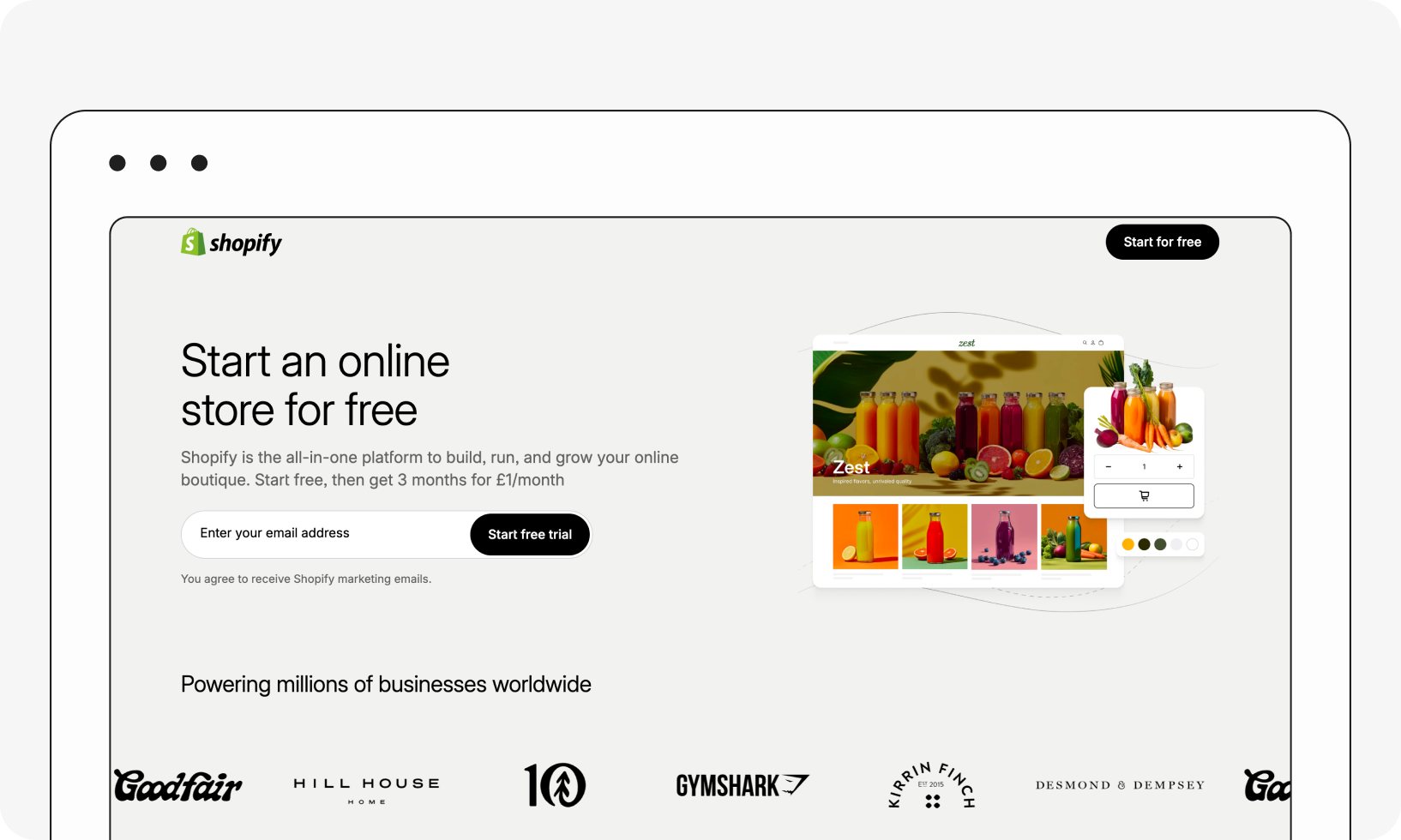
Shopify continues to be the dominant e-commerce-first platform, purpose-built for managing inventory, processing payments, and running an online store without needing a separate CMS bolted on. For merchants, it's a more streamlined path than running WooCommerce on top of WordPress.
For more advanced use cases, Shopify is less flexible than an open CMS. While its theme and app ecosystem is extensive, highly customized page layouts and complex content structures can be more challenging to implement, and subscription and app costs can add up as a store grows.
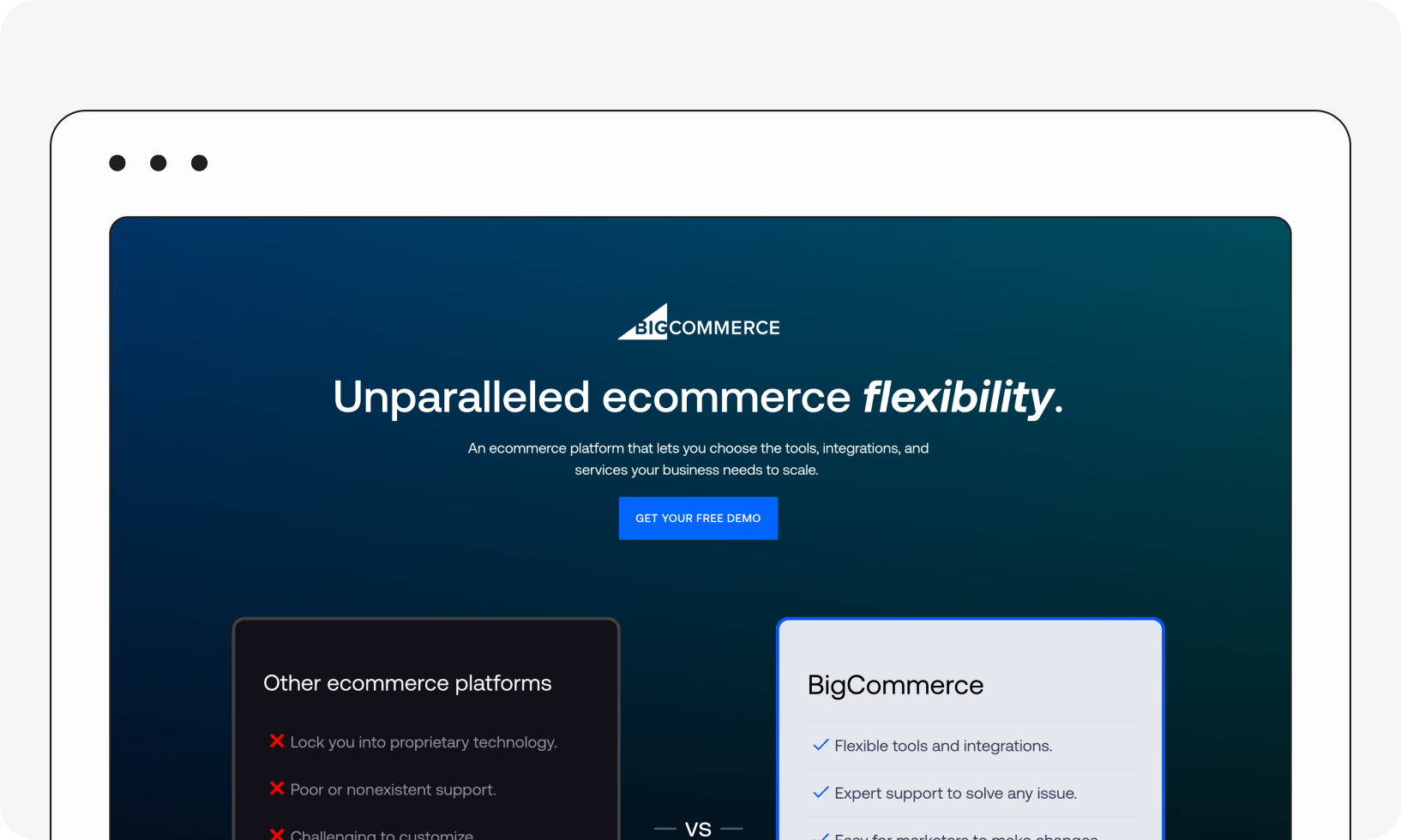
BigCommerce has become one of the most consistently recommended WordPress alternatives for stores that outgrow a basic setup. It's a fully-hosted e-commerce platform with unlimited products, storage, and bandwidth on every plan, no platform transaction fees regardless of payment processor, and built-in multi-channel selling across Amazon, eBay, Walmart, and social platforms.
BigCommerce also supports headless and composable setups, making it a good fit for brands that want a commerce engine connected to a custom front end or a separate CMS. The catch: plans come with annual online sales thresholds, meaning you'll need to upgrade once you exceed them, and its multilingual capabilities are more limited than those of some competitors.
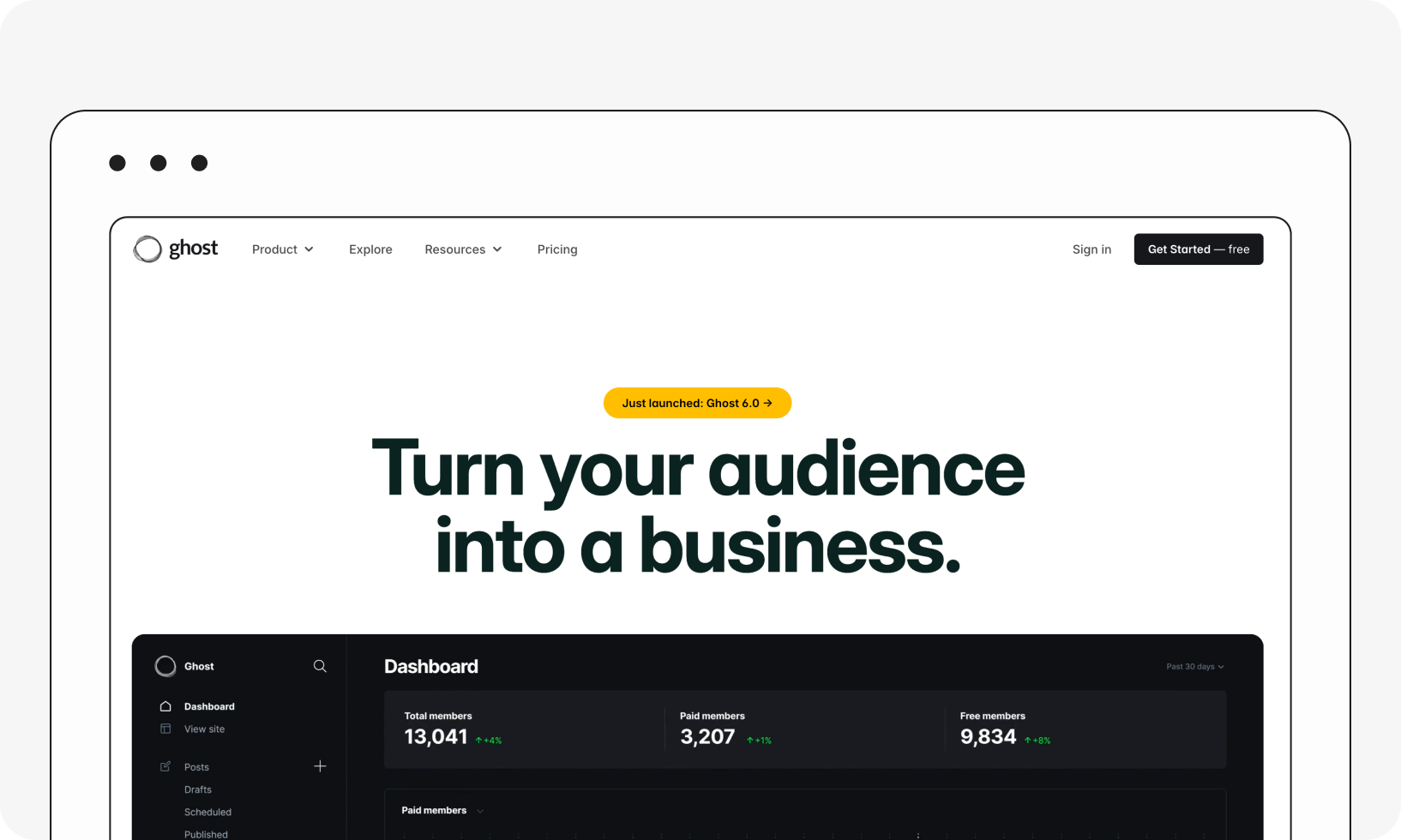
Ghost is a great option for professional publishing and blogging. It's open-source, offers a genuinely fast, distraction-free editor, and includes native newsletter, membership, and subscription tools, so creators can monetize content without stitching together separate tools. Managed Ghost(Pro) hosting starts at around $15–18/month, with higher-tier plans available for larger teams and member bases.
Ghost intentionally prioritizes simplicity over breadth. There's no visual page builder and a much smaller extension ecosystem than WordPress, making it less suitable for e-commerce or heavily customized websites, but an excellent choice for organizations focused on publishing, newsletters, and reader monetization.
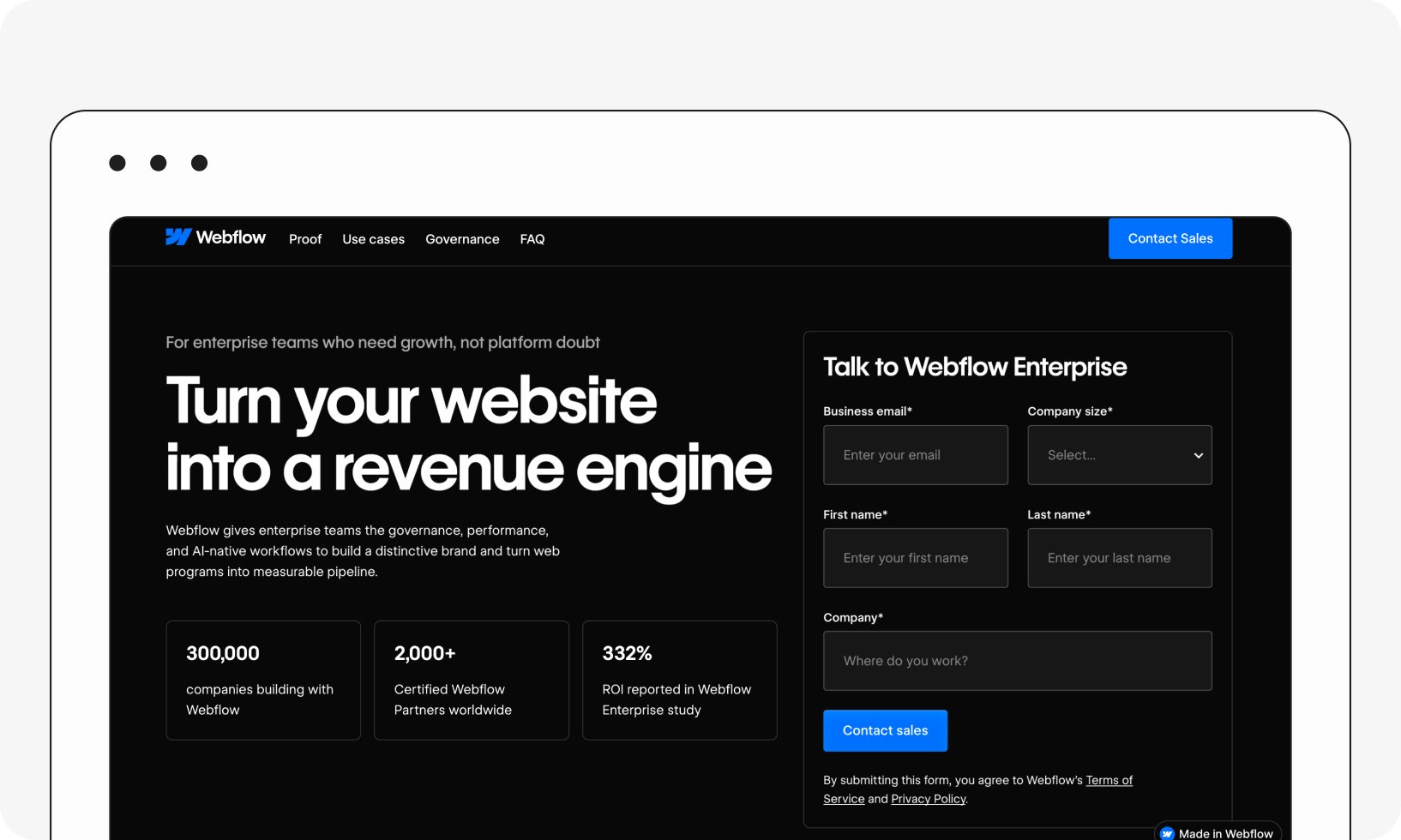
Webflow sits somewhere between a visual website builder and a traditional CMS. It offers a highly capable visual design tool while still allowing you to add custom CSS and JavaScript when you need to go beyond what the visual canvas supports. Its CMS features such as content collections, custom fields, and dynamic content pages make it popular with design agencies that want to build sophisticated sites without needing a full development team for every project.
For larger content operations, Webflow's content modeling is less flexible for large-scale than WordPress's for complex, structured content, and costs can climb as you add advanced features, users, or higher CMS limits.
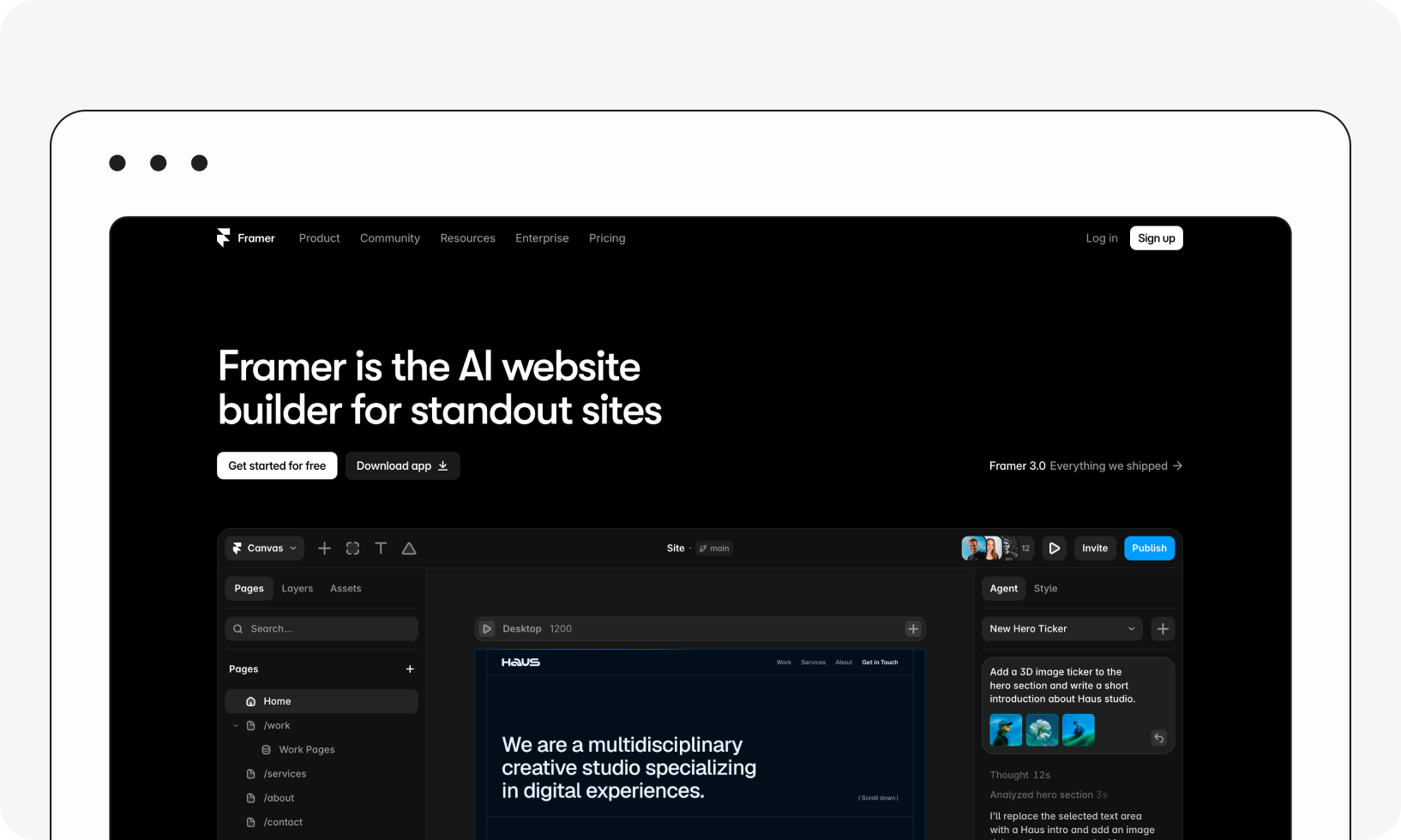
Framer has quickly become one of the fastest-rising names in WordPress-alternative conversations, driven by its AI-powered site generation and design-first workflow. It enables designers and marketing teams to build and publish high-fidelity websites fast, often reducing the need for a traditional design-to-development handoff.
Framer is a strong fit for creative teams or agencies that need to launch polished marketing sites at speed. However, it offers less depth for complex, structured content management than dedicated CMS platforms, making it better suited to marketing websites and landing pages than large, content-heavy digital properties.
Which is the best alternative to WordPress?
There's still no single best WordPress alternative. The right fit depends on your specific needs. If you're an agency or design-first team, a visual builder like Wix, Squarespace, Webflow, or Framer will get you moving fastest. If you're selling products, Shopify or BigCommerce are purpose-built for that, depending on scale. If you're publishing and monetizing content, Ghost is hard to beat. And if you're a growing organization that needs to manage structured content across multiple channels, a headless CMS like Storyblok gives you the flexibility and future-proofing that page-based systems can't.
Whatever you choose, take advantage of free trials and demos before committing. The more you understand your options, the better your odds of landing somewhere you're still happy in two years.
Frequently asked questions (FAQs)
Is WordPress still relevant in 2026?
Yes, for the right use case. Users who want a free, open-source CMS with a mature plugin ecosystem still get real value from WordPress. But if you need advanced customization at scale, tighter security guarantees, or true omnichannel content delivery, WordPress may not be the right foundation anymore.
Why do people search for WordPress alternatives?
The most common reasons haven't changed: some find WordPress too complex to manage day-to-day, others want more customization or better performance, and many are concerned about the constant patching required to stay ahead of plugin and theme vulnerabilities. Increasingly, teams are also looking for platforms that handle structured content well enough to serve AI-driven search and discovery, not just traditional web pages.
How much does WordPress cost?
WordPress.org itself is free and open-source, but running a site involves real costs: domain registration, hosting, premium themes or plugins, and often developer or designer time for customization and ongoing maintenance. Total cost depends heavily on the site's complexity and goals.
What's the difference between a CMS and a site builder?
A CMS (content management system) gives you more flexibility and customization but generally requires more technical know-how to set up and maintain. A site builder simplifies the process with templates and drag-and-drop tools, trading some customization for ease of use. For simple sites, either can work; for anything with real growth potential or complex content needs, a CMS is usually the better long-term investment.